
A new hire shouldn’t spend their first shift hunting for forms or trying to learn a recipe from memory. The right employee onboarding software can organize paperwork or help teach the work itself. Here are five options, with Carvin first for hospitality teams that need consistent training across locations.
Table of Contents
- Carvin
- Harri: onboarding within a hospitality workforce platform
- Schoox: structured onboarding with activity-based progression
- HigherMe: digital onboarding paperwork and hiring workflows
- Homebase: basic onboarding for very small operators
- Employee onboarding software comparison table
- FAQs About Employee Onboarding Software
- Conclusion
1. Carvin
Carvin is AI-powered training software for hospitality teams. It turns recipes, videos, and procedures into mobile-ready training modules, then tracks completion across locations. It’s the strongest fit here for restaurant operators who need to teach the same standards across more than one site.
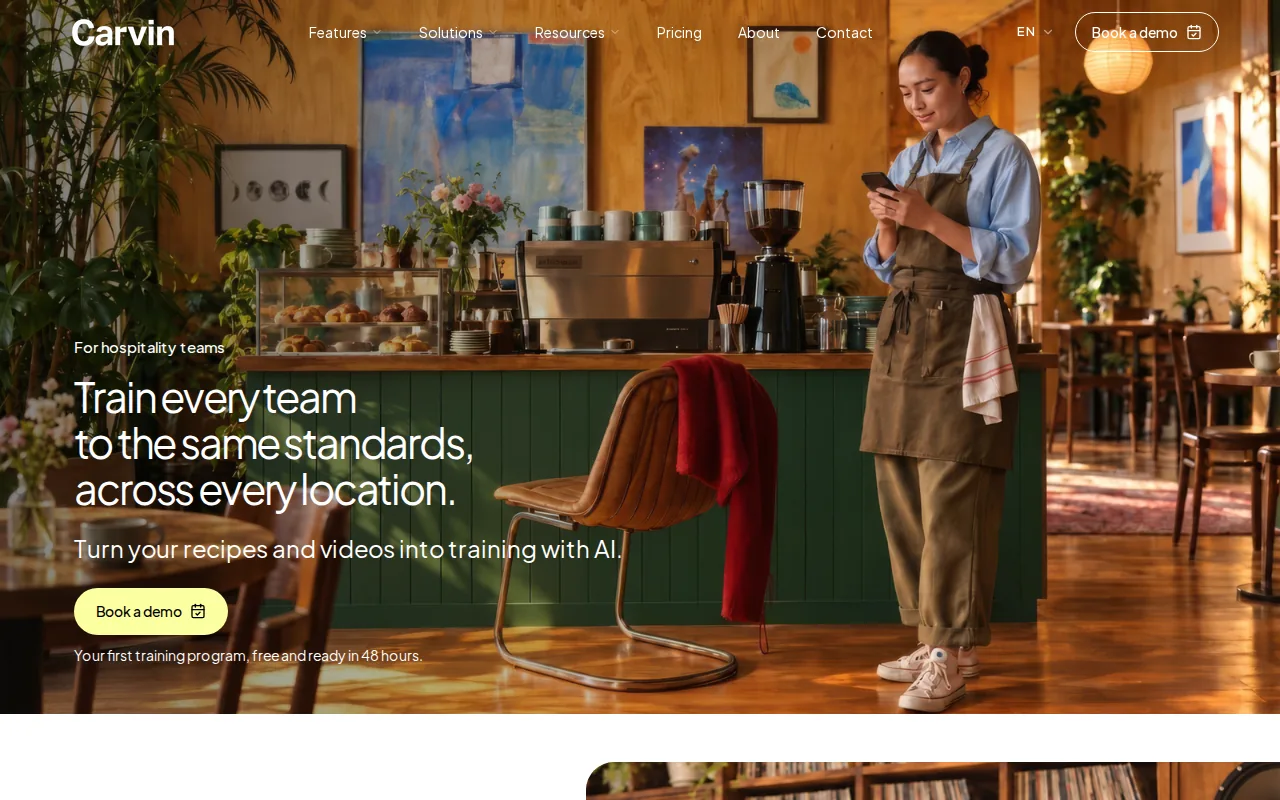
Film a barista making a latte or a cook showing a prep task. Carvin can turn that video into a training module, with video editing built into the process. You can also update content by voice, which helps when a procedure changes and the team needs the new version.
That matters when the recipe changes, a new menu rolls out, or one location needs to match another. Rather than asking each manager to build a lesson from scratch, you can use the source procedure or video to create training the team can access on mobile. Carvin also gives managers real-time completion tracking.
Carvin says its platform helps restaurants streamline onboarding. When evaluating the platform, decide whether to measure time to independent work, training completion, or fewer repeat coaching sessions. For teams comparing training tools, our notes on best restaurant training software can help clarify what to test.
Carvin is a training-first choice. If your main task is collecting tax forms or setting shifts, compare that need against the tools below. If your pain is inconsistent training across stores, start with a recipe or SOP you already need to teach.
2. Harri: onboarding within a hospitality workforce platform
Harri is a hospitality workforce platform with onboarding alongside scheduling, labor management, and communications. It’s best for operators already using the Harri ecosystem who want new-hire setup connected with wider workforce tasks.
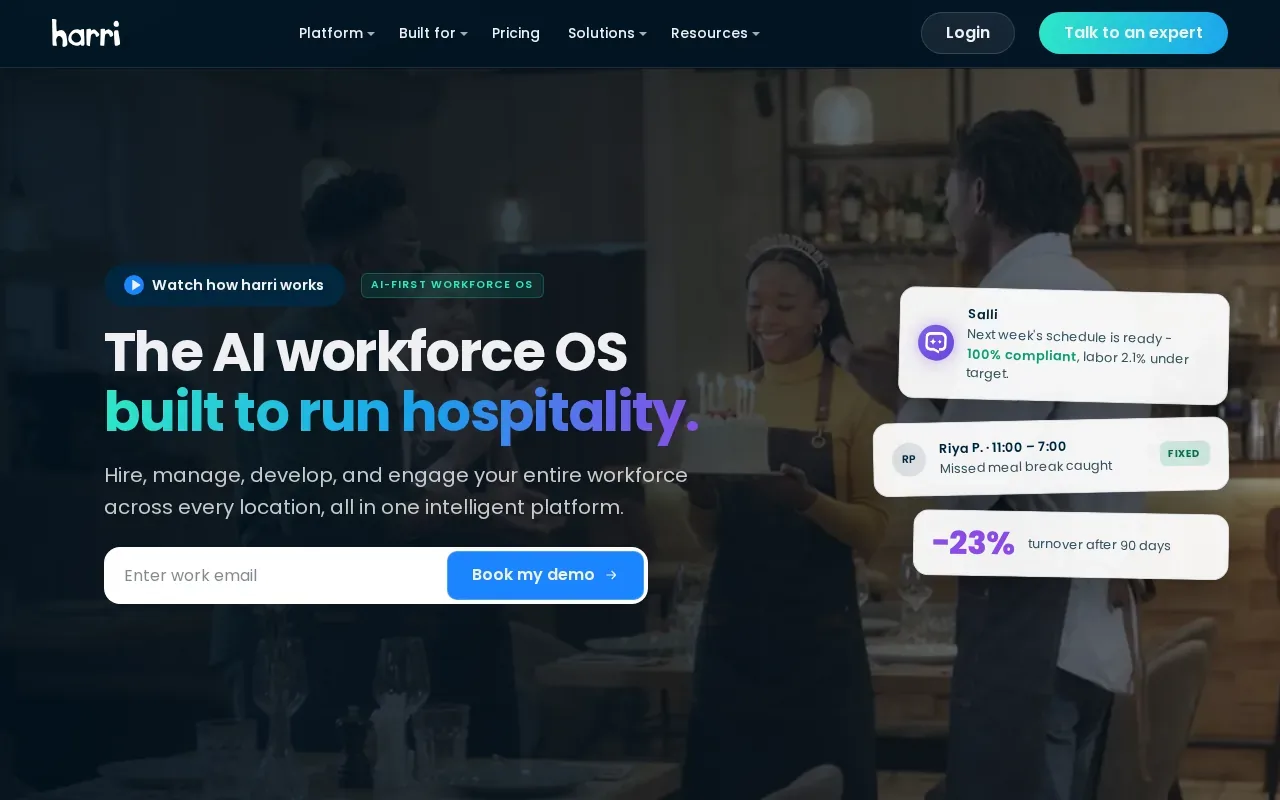
The value of a combined platform is the shared work context. A manager handling schedules and team communication can also manage onboarding in that same hospitality-focused system. Harri describes its platform as covering workforce needs across hiring, management, development, and engagement, and says it is used across more than 70,000 locations worldwide.
For an operator, the key question is how the onboarding flow fits the shift routine. Map what a new hire needs before their first shift, then check how that information connects to the team’s scheduling and labor work. For example, decide who confirms the hire is ready before a manager adds them to the rota.
Harri makes more sense when you want a workforce platform, not a training-only tool. If your immediate goal is to teach a server the service steps or show a cook a station procedure, ask how training content and skill checks fit into your planned workflow before choosing it.
3. Schoox: structured onboarding with activity-based progression
Schoox is a learning platform with onboarding plans that can follow a schedule, employee activity, or both. It fits teams that want a planned training path for new hires or staff moving into a new role.
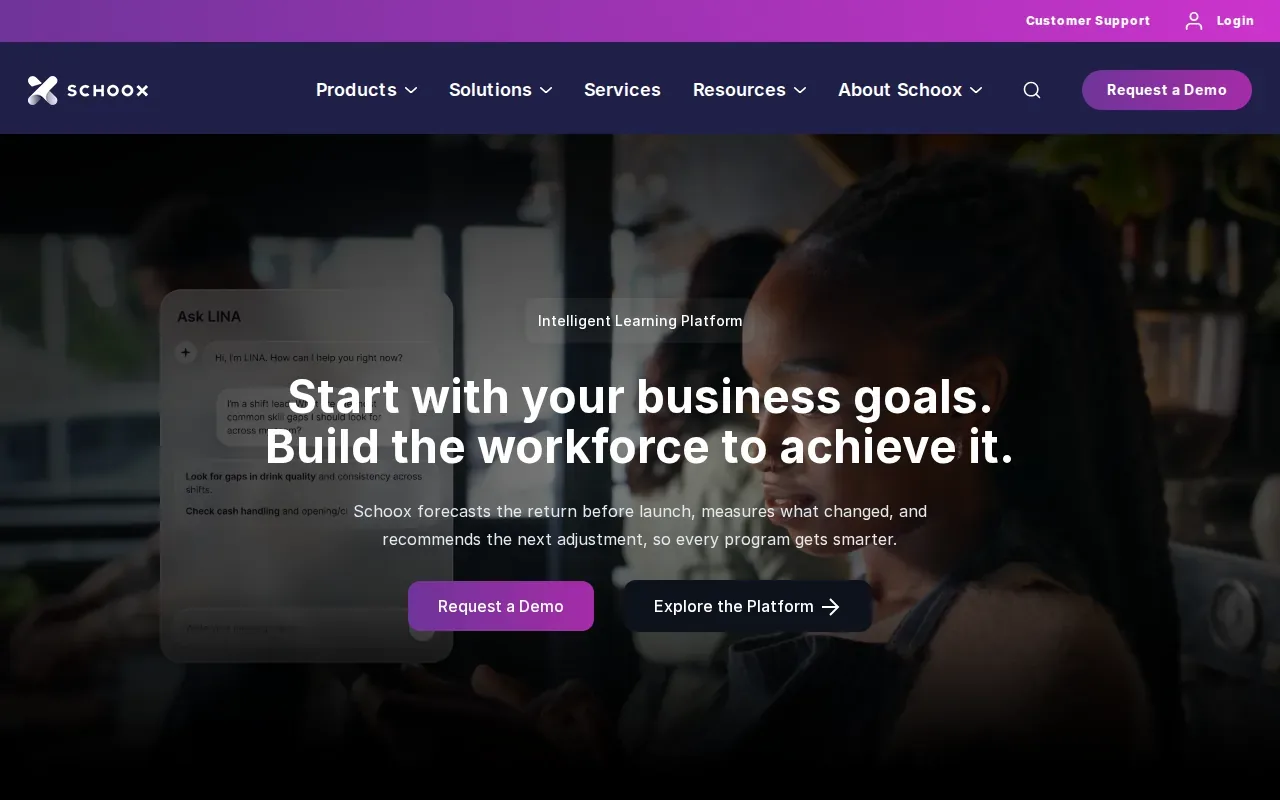
Managers can set up onboarding profiles around roles and organizational units. A profile can use a time-based flow, an activity-based flow, or a mix. Schoox’s onboarding module also supports training for employees changing jobs, so a promotion or transfer can trigger a different learning path.
The activity-based setup can help when people need to show a skill before moving on. A new host might first review the greeting procedure, then practice it with a manager. The manager can track progress through the onboarding dashboard when they have the needed reporting permission.
Build a sample path for one role and test it with the manager who will maintain it.
If your training has a clear order, Schoox gives you options for pacing it. If you mainly need to convert existing recipe videos or procedures into mobile modules, compare that workflow with Carvin’s content tools.
4. HigherMe: digital onboarding paperwork and hiring workflows
HigherMe focuses on digital onboarding paperwork within hourly hiring workflows. It’s a fit for employers who want new hires to complete tax forms, company documents, and direct deposit setup online.
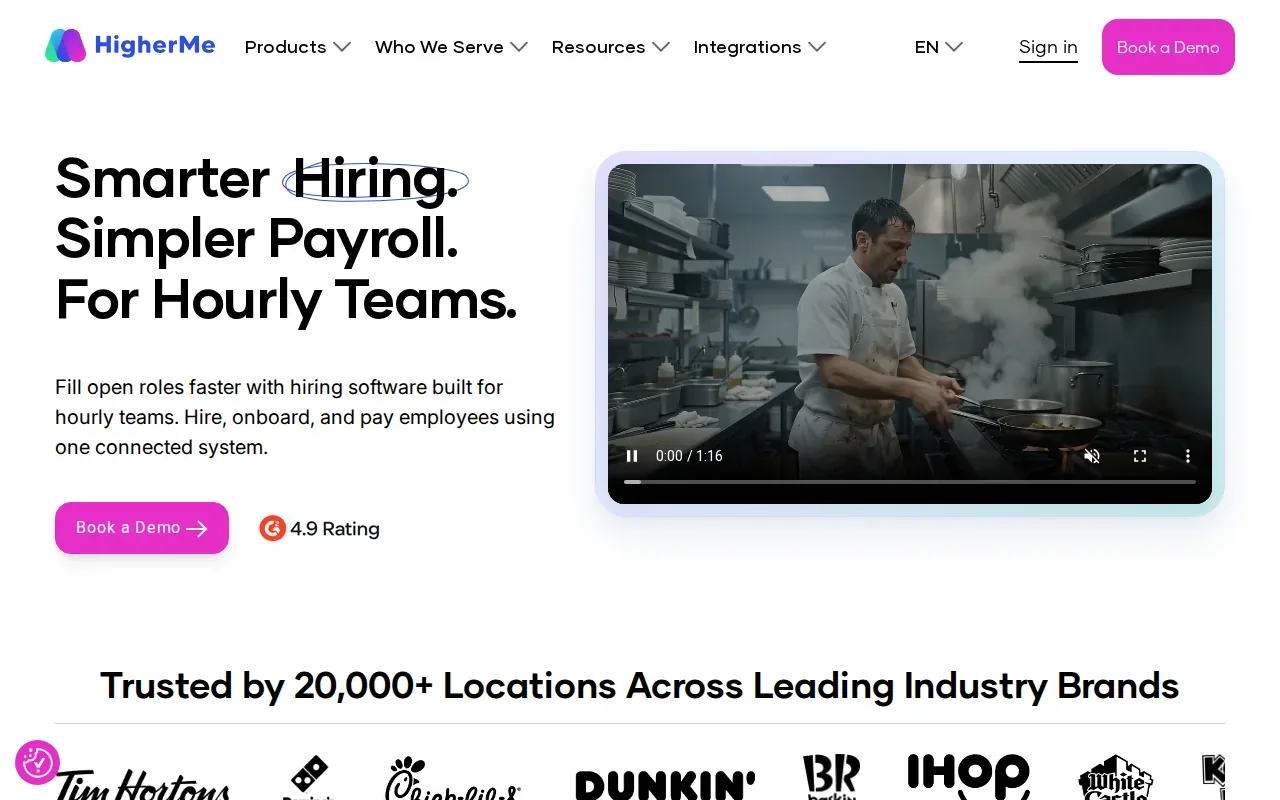
New hires can complete documents digitally without printing or scanning. Employers can customize onboarding documents, send packages by role or location, and track progress through a dashboard. HigherMe also describes connections with First Advantage and Checkr for screening workflows.
This setup is useful when paperwork delays the first shift. A new hire can work through forms before arriving, while a manager can review the completed packet from the dashboard. For a multi-location operator, the completion view can help managers spot which location still has unfinished onboarding tasks.
Paperwork and job readiness are separate needs. Collecting signed forms doesn’t teach a new employee how to prep a station or handle a guest question. If you choose HigherMe for hiring paperwork, decide how your team will deliver role training and confirm the employee can do the work.
5. Homebase: basic onboarding for very small operators
Homebase is a scheduling platform with basic onboarding features. It’s best for small operators who want scheduling and simple onboarding tasks in one place.
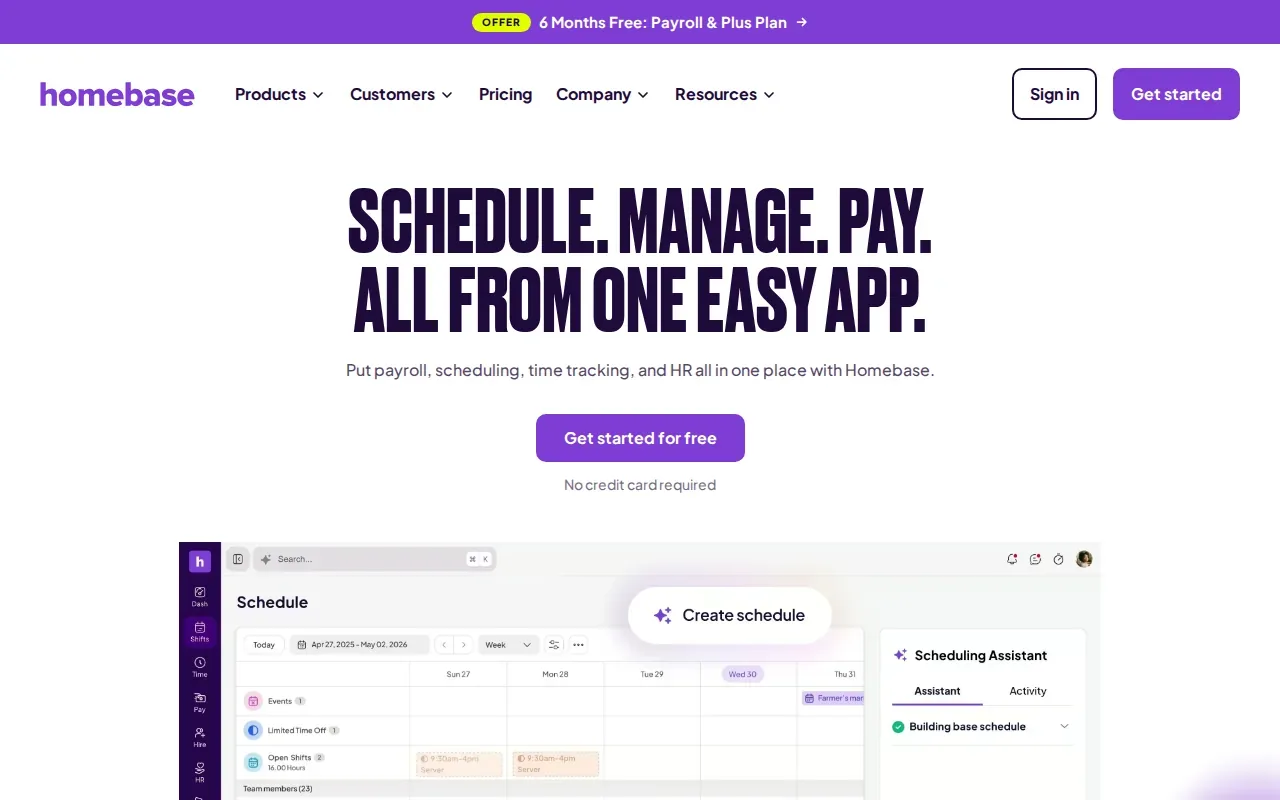
Homebase’s onboarding features include basic compliance tools and document collection. Scheduling remains the platform’s main focus, which can suit an owner managing a small team who wants new-hire administration close to weekly shift planning.
Think about a small café hiring a new counter worker. The owner may need to collect documents and add the person to the schedule, while a manager handles the job-specific training in person. Homebase can support the first administrative tasks, but teams should separately plan how they’ll teach recipes, opening routines, or service standards.
As your team grows, check whether the onboarding work still fits your needs. More sites can mean more training paths, more managers who need progress visibility, and more procedures to keep in sync. For a small team, though, scheduling plus basic onboarding may be enough.
Employee onboarding software comparison table
Use this table to match each option to the work you need to get done. The best fit depends on whether your main gap is job training, workforce coordination, or new-hire paperwork.
Option| Strongest fit| Onboarding focus| Useful decision question
---|---|---|---
Carvin| Hospitality training across locations| AI-assisted recipe, video, and procedure modules; live completion tracking| Do managers need to turn existing procedures into mobile training?
Harri| Operators using a hospitality workforce platform| Onboarding alongside scheduling, labor management, and communications| Should onboarding sit with workforce tasks?
Schoox| Role-based training paths| Scheduled and activity-based progression, including job changes| Does training need a set sequence or skill check?
HigherMe| Hourly hiring paperwork| Digital tax forms, company documents, and direct deposit| Is paperwork completion the main first-day hold-up?
Homebase| Very small operators| Basic document collection and compliance tools with scheduling| Would simple onboarding alongside scheduling cover the need?
What to check before you choose
Start with the task that causes the most rework. If managers repeat the same recipe lesson at every location, test how the software turns that procedure into training and shows who finished it. If paperwork is the delay, test the new-hire forms from the employee’s point of view.
Ask each vendor to walk through one real role, such as a host or line cook. Check how a new hire gets assigned work, how a manager sees progress, and what happens when a procedure changes. Keep training completion separate from hands-on skill approval when a manager must observe the task.
Compare total cost against your team size, location count, and the work you’ll still do outside the system. Ask about any setup, integrations, or extra modules included in a quote. Then pick one role and one location for a small test before you roll the process out more widely.
For a restaurant team, the right system should fit the actual first-week flow. You can structure the first month around the skills a new hire needs, then use the software to assign and track the learning.
Pro Tip: Test one onboarding path with a real recipe or procedure before you move every role into a new system.
Key Takeaway: Choose around your main gap: job training, workforce coordination, or paperwork.
FAQs About Employee Onboarding Software
What does employee onboarding software do?
Employee onboarding software organizes tasks that help a new hire get ready for work. Depending on the product, that can include digital paperwork, role training, assigned learning, or progress tracking. For a restaurant, the goal may be to complete hiring forms before day one, teach a station procedure, or make sure managers can see which tasks remain.
What features should I look for in onboarding software?
Look for features that match the work your team needs to manage. Digital forms and document tracking help with paperwork. Role-based paths and progress views support training. Mobile access can help hourly staff complete learning between shifts. If you need managers to confirm hands-on skills, check whether the workflow records an observation as well as course completion.
Is onboarding software useful for a small business?
Yes, it can help a small business keep basic new-hire tasks in one place. A very small operator may need only document collection and scheduling, while a growing restaurant may also need training paths and visibility across sites. Keep the system aligned with the work your managers can maintain, rather than adding steps your team won’t use.
How should I compare onboarding software costs?
Compare the full cost against the work included in your quote. Ask how team size, locations, onboarding modules, integrations, and setup affect the total. Also count the time managers spend maintaining procedures and checking progress. A low starting cost may not answer whether the system covers your key tasks, so compare the same workflow across options.
Can onboarding software replace hands-on training?
No, software can assign lessons and record progress, but a manager may still need to watch an employee perform a task. For example, completing a recipe lesson doesn’t by itself show that someone can prepare the dish to your standard. Keep digital learning and observed skill checks as separate steps when the job calls for practice.
Conclusion
For hospitality teams that need consistent training across locations, Carvin is the clearest fit in this shortlist. Start by turning one recipe or SOP into a mobile lesson, then see how the completion view works for your managers. To review costs and plan your next step, visit Carvin’s pricing page.
Ready to make restaurant training easier to repeat?