
When procedures live in scattered files, teams can end up following different versions of the same task. SOP management software gives you a place to document processes and help people follow them. Here are nine tools, plus Carvin for hospitality teams, with a look at where each fits.
Table of Contents
- Scribe: Automatically capture on-screen processes
- Trainual: Connect SOPs with onboarding and training
- Tango: Create visual, screenshot-led procedures
- Process Street: Automate recurring checklist workflows
- SweetProcess: Keep straightforward SOPs and policies organized
- Whale: Centralize team knowledge and operating procedures
- Notion: Build a flexible, free SOP workspace
- Document360 by Kovai.co: Structure a searchable SOP knowledge base
- Tallyfy: Track and automate process execution
- What to Look for in SOP Management Software
- Frequently Asked Questions
- Conclusion
1. Scribe: Automatically capture on-screen processes
Scribe records browser and desktop actions, then turns them into step-by-step guides with screenshots. It suits individual contributors and small teams that need to document work done on a computer.
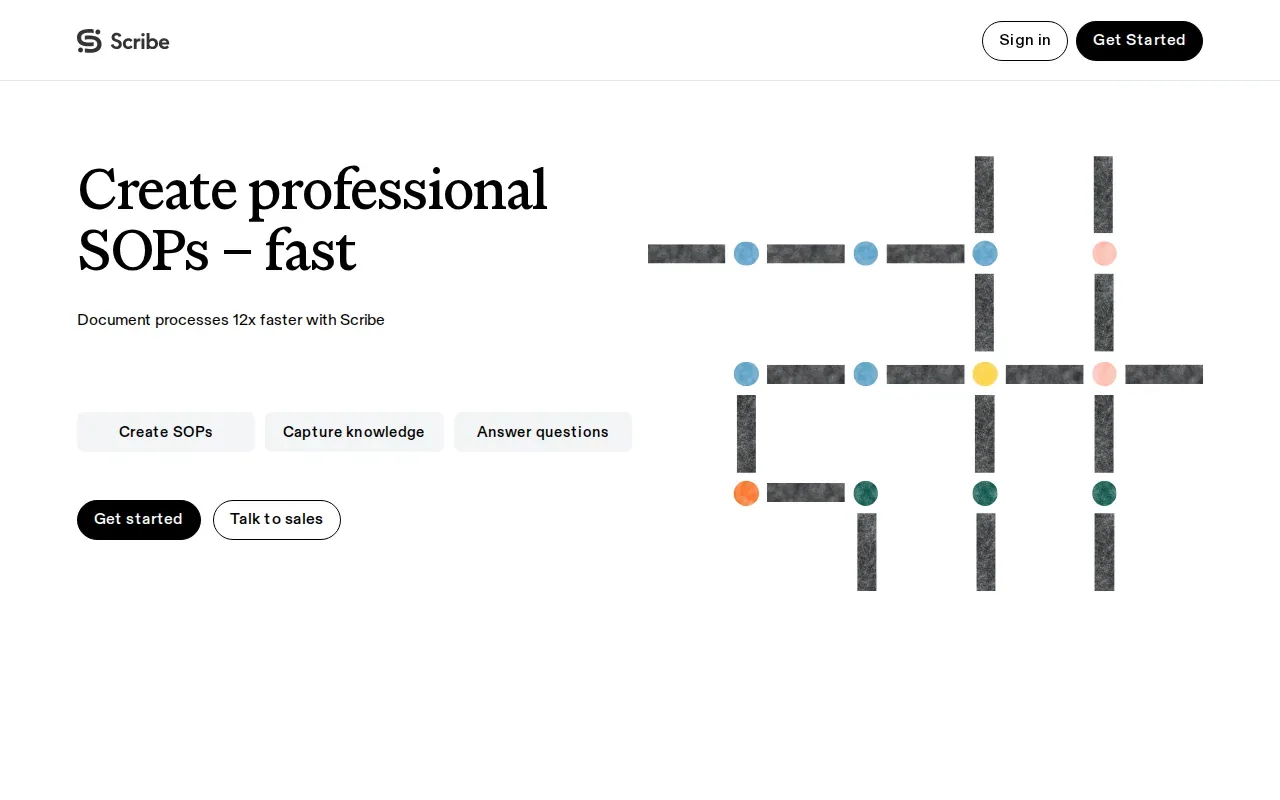
For example, a team member can record a repeat task in a browser. The resulting guide gives the next person a visual sequence to follow. That can help when staff need to learn an internal system or complete a back-office task without asking a coworker to repeat the steps.
Scribe’s focus is automatic SOP capture. Its enterprise analytics support tracking and reporting, while the core workflow centers on guides made from recorded actions. A restaurant operator could use it for office-based steps, such as entering information into a system, while a recipe or service routine may need training content built for staff on shift.
Consider where the work takes place before choosing. Scribe is aimed at screen-based procedures, not the full training needs of a hospitality team working across multiple locations.
2. Trainual: Connect SOPs with onboarding and training
Trainual combines SOP documentation with training curricula and onboarding management. It fits companies that want to turn documented processes into assigned learning for new hires and current staff.
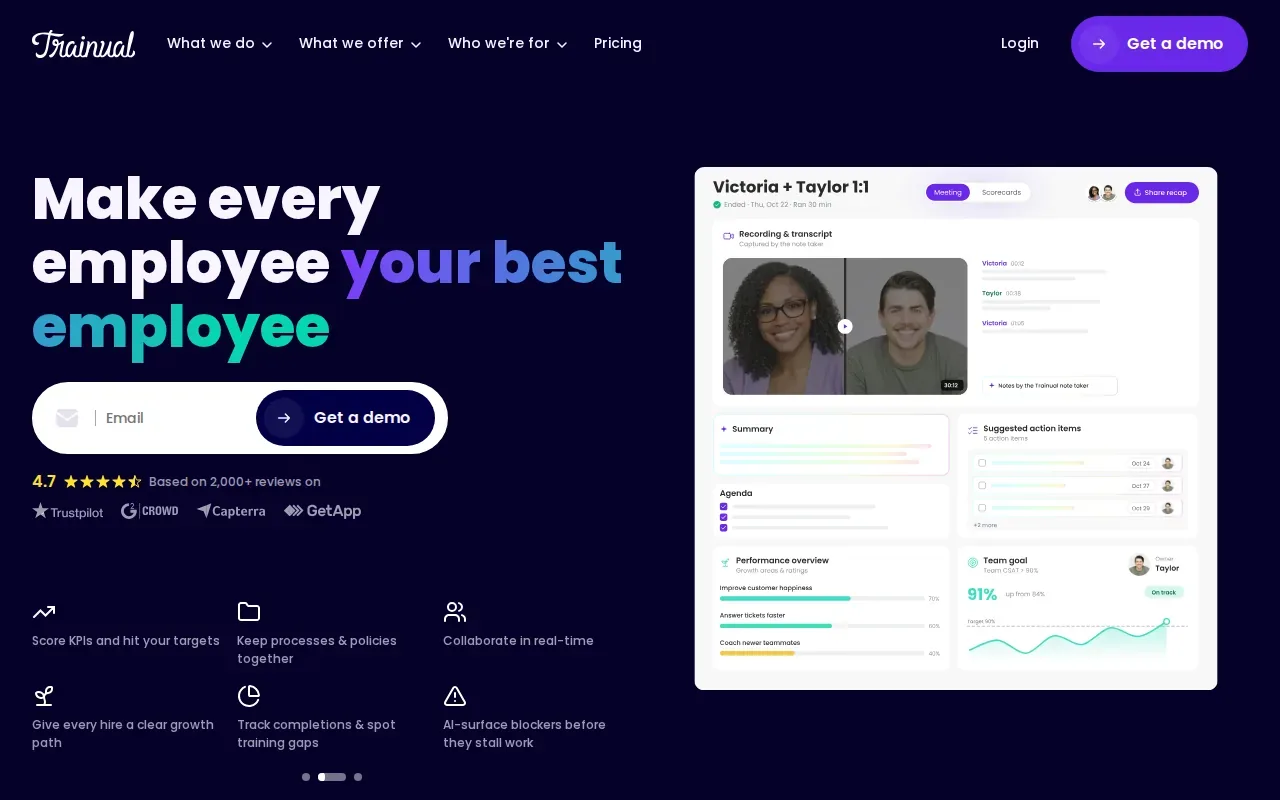
Instead of treating a procedure as a file to read once, a team can place it within a training path. That can help managers connect a role’s expectations with the process knowledge someone needs on day one. Trainual also has analytics, so managers can review training progress.
For a multi-unit restaurant, you might organize learning around roles such as shift lead or front-of-house staff. A recipe procedure could sit alongside other role-based learning material, helping new employees see what they need to learn before taking on a task.
Trainual’s combined documentation and training approach is useful when structured onboarding is a priority. If you need mobile-ready training with real-time completion tracking across restaurant locations, compare those needs with Carvin’s hospitality focus.
3. Tango: Create visual, screenshot-led procedures
Tango captures workflows and presents them as visual, screenshot-heavy procedures. It is a fit for teams that want clear visual documentation and are comfortable with per-user costs.
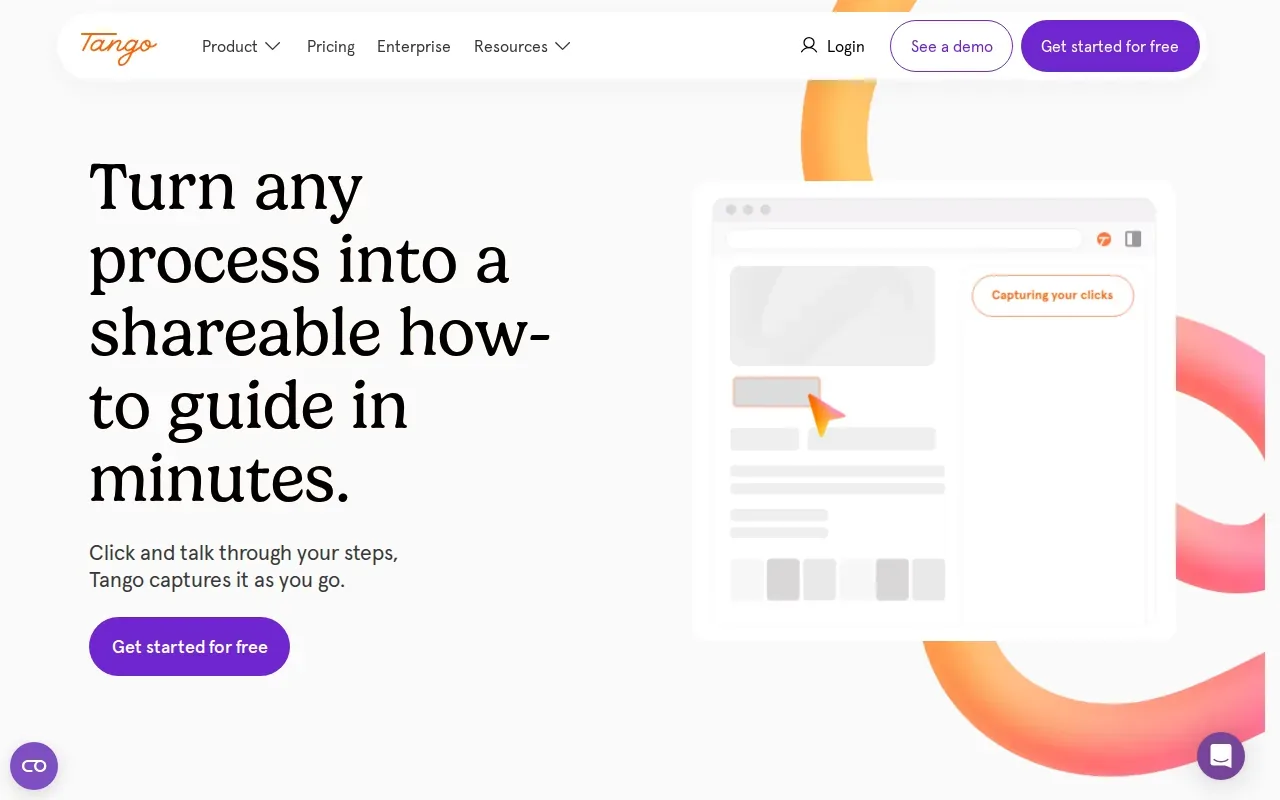
A visual guide can make a task easier to follow when the important details are where someone clicks or what appears on screen. A team member can capture a workflow, then share the resulting guide with colleagues who need to repeat it.
Tango’s strength is its clean visual format. Enterprise analytics support tracking and reporting. That focus can work well for digital tasks, where screenshots show the order of actions more clearly than a block of written instructions.
Think about the format your staff need. If a procedure involves a computer, screenshots may help. If it involves preparing a dish or serving a guest, you may need video or other training content that reflects the work itself.
4. Process Street: Automate recurring checklist workflows
Process Street focuses on checklist-based workflows with conditional logic, approvals, and automations. It suits teams that run recurring tasks and need steps to change based on the information entered.
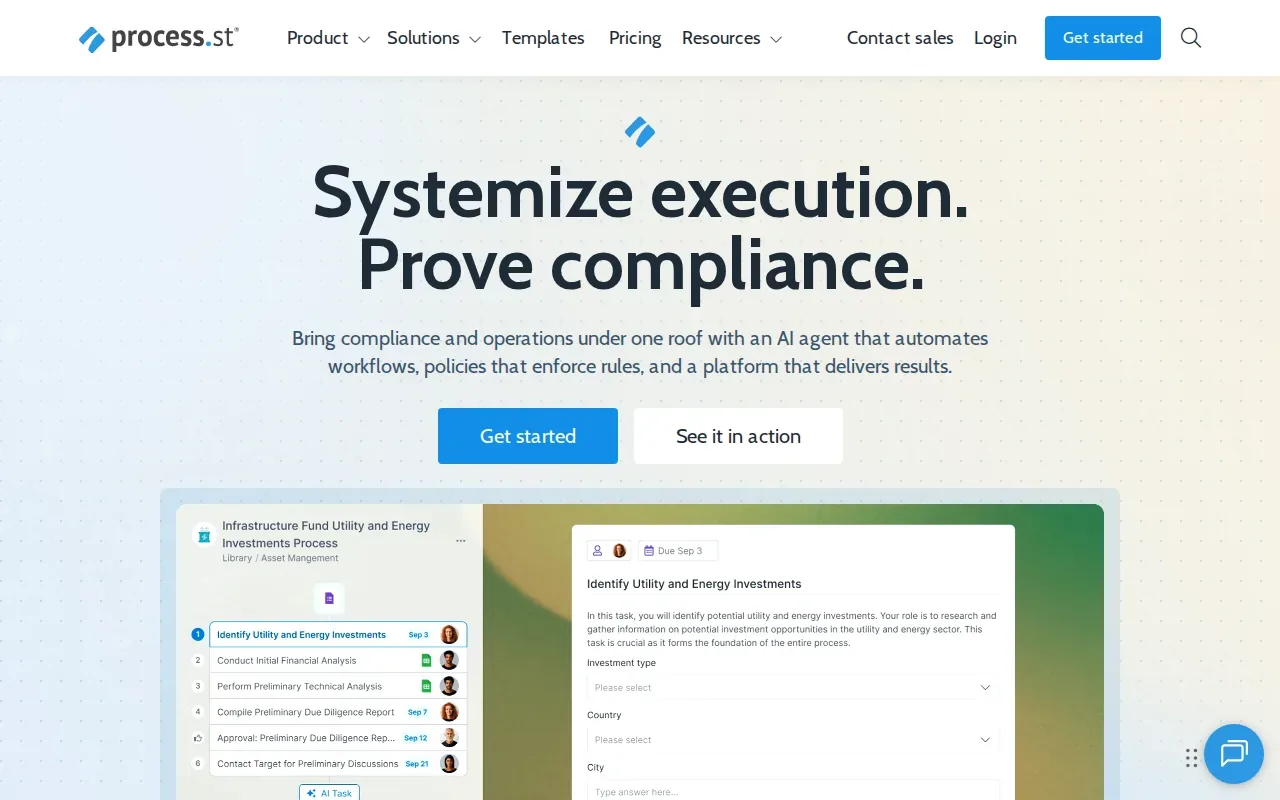
For example, a recurring operations checklist can assign tasks and route work for approval. Conditional logic can guide a person down the right path when the process depends on an answer or a specific situation. Analytics help teams track activity.
This approach is useful when a task needs to be completed in a set order and managers need visibility into execution. Teams can use recurring checklists for operational handoffs or review routines, rather than relying on an SOP document that staff must remember to open.
Before selecting it, map the work that needs automation. A checklist platform is a better fit when people need to complete and track tasks. If your priority is turning restaurant videos and recipes into mobile training, Carvin is more directly focused on that job.
5. SweetProcess: Keep straightforward SOPs and policies organized
SweetProcess is a straightforward SOP and policy management tool for small to midsize businesses. It suits teams that want a simple place to organize procedures and policies.
Its focus is documenting and managing SOPs and policies. Basic analytics give teams some reporting on their use of the tool. For a smaller business, a clear home for procedures can make it easier to point staff to a shared set of instructions instead of passing around separate files.
A restaurant could use a procedure library for repeat tasks that are written down in steps. The key is to keep each document tied to the way work is actually done. Ask the people who do the task to review instructions before you expect the whole team to follow them.
SweetProcess is a fit when a direct documentation tool is enough. If you need structured training delivery or live completion views across locations, include those needs in your evaluation.
6. Whale: Centralize team knowledge and operating procedures
Whale focuses on centralizing company knowledge and making it available during onboarding and daily work. It suits growing teams that want knowledge management alongside SOPs.
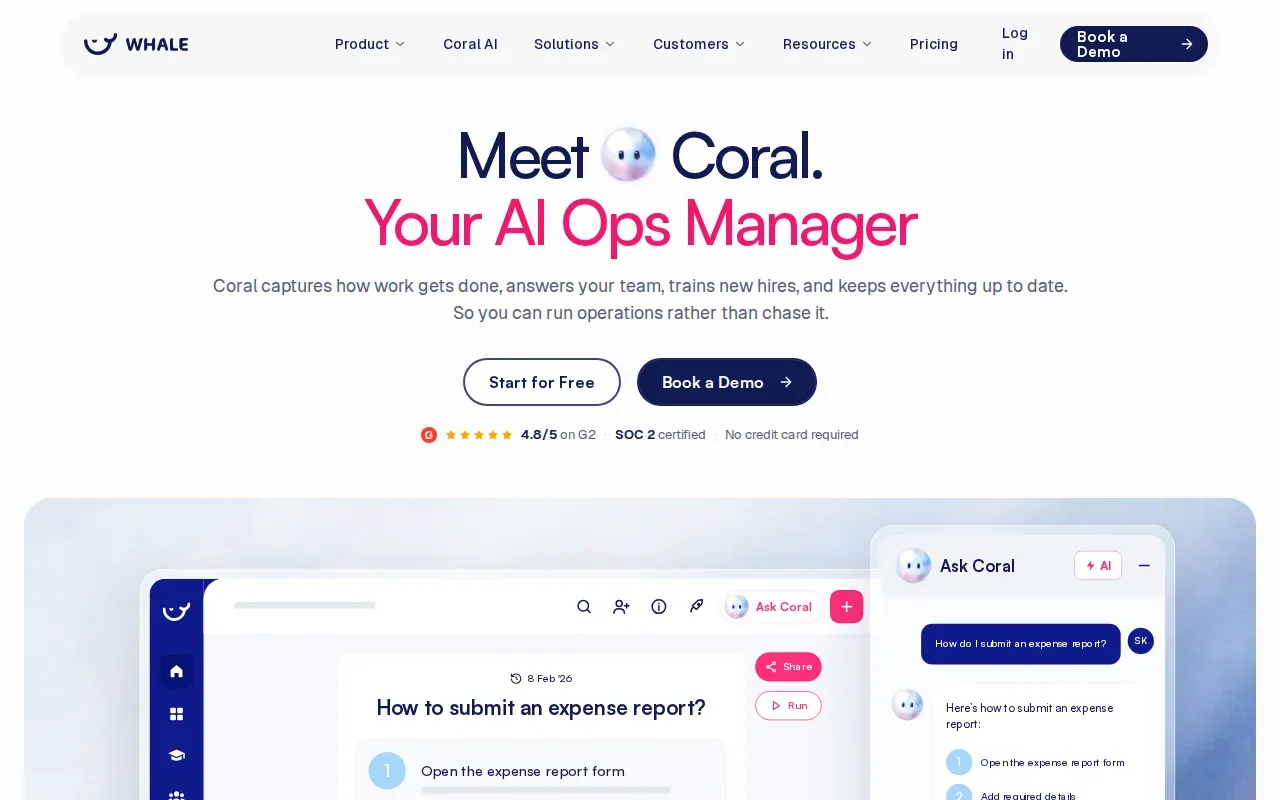
When procedures and reference material share a home, staff have one place to look for instructions. Whale also focuses on contextual knowledge delivery, so information can be easier to find at the point where a team member needs it. Analytics support reporting on use.
This can help a growing organization that has more than one kind of internal knowledge to manage. A manager might want onboarding material beside routine work instructions, rather than keeping training and procedures in separate places.
Check how the system will fit into the daily routine. A central knowledge library helps only when staff can find and use the right content while doing the work.
7. Notion: Build a flexible, free SOP workspace
Notion is a flexible workspace that teams can use to build a small SOP library. It is best suited to teams with fewer than 20 SOPs that want a free starting point.
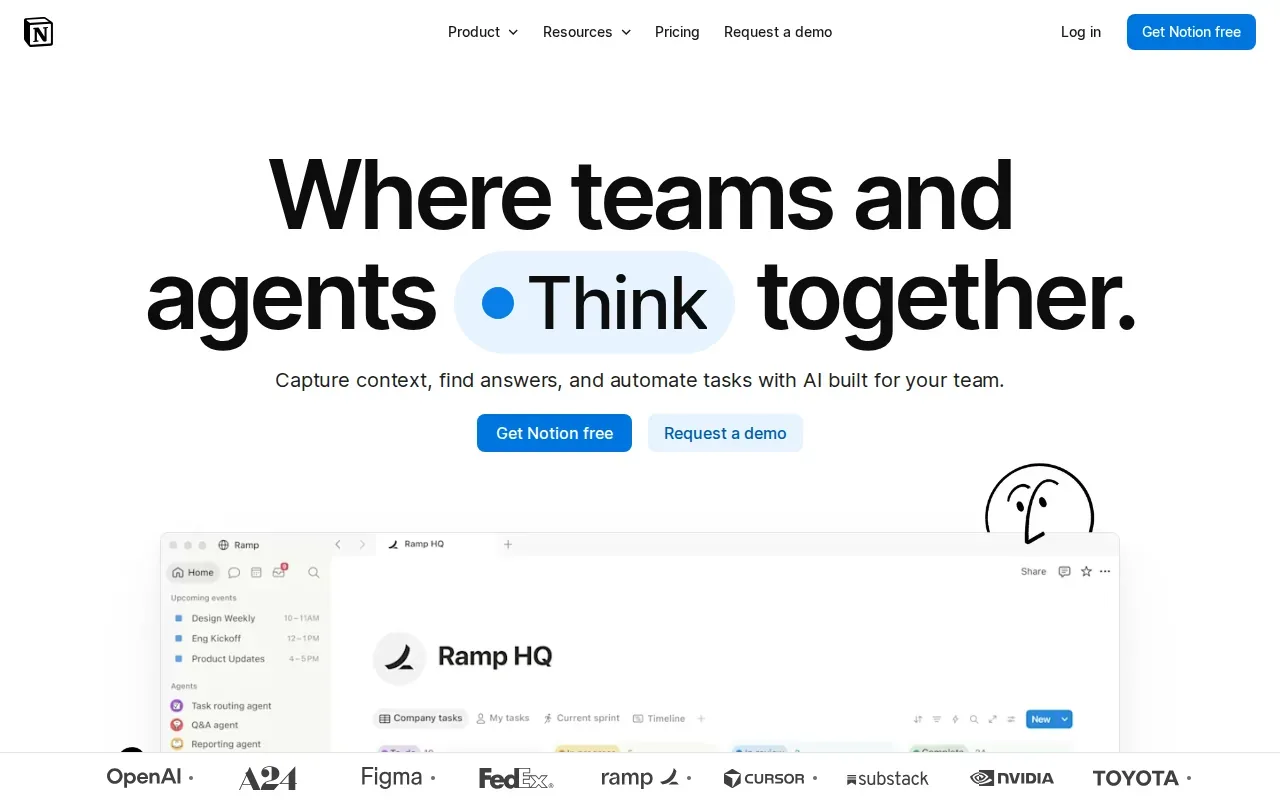
A small team can organize procedures as pages and keep related notes together. Notion also describes AI tools for finding answers with citations and automating work with agents. Those broader workspace features may help teams that already use it to organize internal knowledge.
Flexibility can be useful, but it puts more of the setup on your team. Decide who owns each procedure, how staff will find current instructions, and how you will review changes. A workspace can hold an SOP library; it does not by itself ensure that people complete training or follow a shift process.
For a short list of procedures, a free workspace may be enough. As training and reporting needs grow, assess whether a more focused system would fit your operations better.
8. Document360 by Kovai.co: Structure a searchable SOP knowledge base
Document360 by Kovai.co is knowledge base software for teams that need organized, accessible documentation. Its features include an AI-powered editor, SOP creation, and version history.
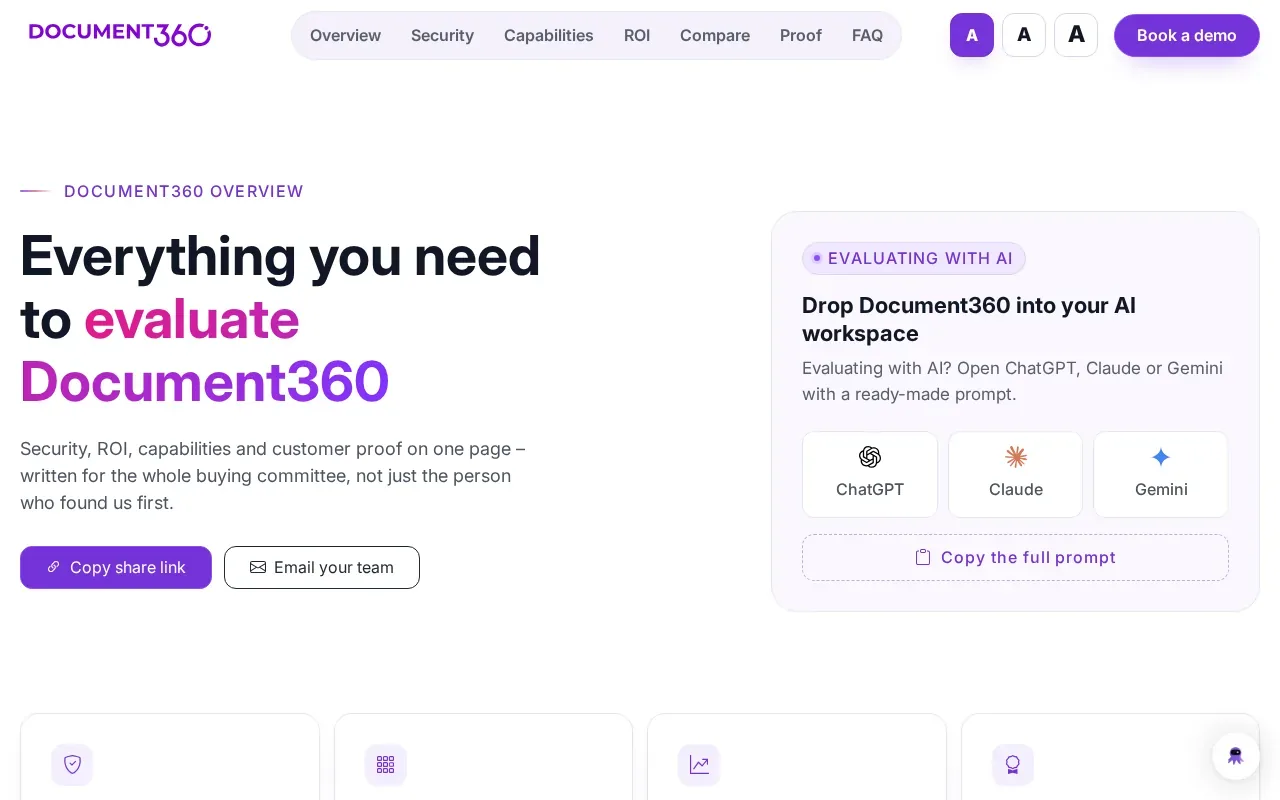
The knowledge base approach can help teams sort content into a structure people can search. Version history helps teams track edits over time. The editor supports SOP creation, while the wider platform is built to manage and publish documentation.
This can suit a team with a large set of internal documents and a need for clear access to current versions. Before choosing, consider whether your main job is publishing and finding documentation or assigning training and checking who completed it.
A searchable knowledge base and a training system solve related but different problems. Choose based on what staff need to do after they find the procedure.
9. Tallyfy: Track and automate process execution
Tallyfy is a process management tool for automating and tracking workflows. Its capabilities include process maps, automation triggers, and real-time progress tracking.
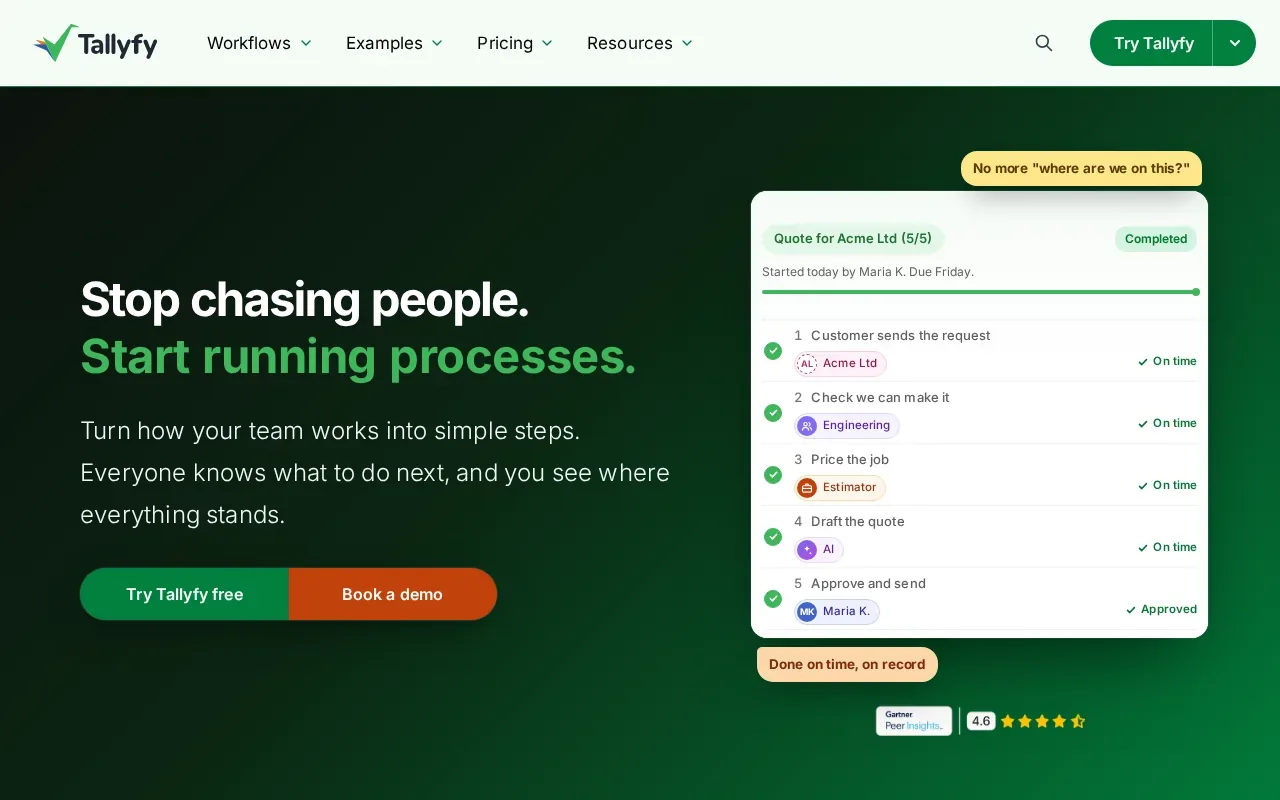
That makes it a fit for teams that need to see where work stands as people complete a process. Automation triggers can reduce manual follow-up, while real-time tracking gives managers a view of process progress.
A manager might use this style of tool to follow a recurring handoff and spot a task that has not moved forward. The process map can help show how work flows between people, while tracking helps teams see execution rather than only read instructions.
Look at the process itself before you choose. Tallyfy is focused on execution and workflow tracking; Carvin is designed for hospitality training across locations.
What to Look for in SOP Management Software
SOP management software can mean a document library, a training system, or a workflow tool. Start with the job your team needs to do. A restaurant team may need staff to learn a recipe on a phone, while an operations office may need an approval checklist or a searchable knowledge base.
Match the tool to the work
Check how a procedure gets created. Screen capture can suit work done in a browser. Video or recipe-based training may suit tasks that happen on the floor. If a process repeats and needs tracking, look for checklists or workflow status views.
Then check how a procedure stays current. Version history helps teams see changes. Review ownership helps someone keep an eye on content. Approval steps can help teams confirm a procedure before staff use it. Don’t assume every tool includes each feature just because it stores SOPs.
Compare the day-to-day fit
What your team needs| Look for| Options to review
---|---|---
Show staff how to do a digital task| Automatic screen capture and visual guides| Scribe or Tango
Connect procedures to onboarding| Training paths and progress analytics| Carvin or Trainual
Run recurring tasks| Checklists, rules, approvals, or triggers| Process Street or Tallyfy
Keep policies and procedures together| Document organization and a clear search path| SweetProcess or Document360 by Kovai.co
Start with a small SOP library| A flexible workspace that suits your current needs| Notion
Use the table as a first filter, not a final verdict. Write down a few real procedures and test how each tool handles them. For example, try a recipe update, a new-hire lesson, and a shift-opening checklist. Notice how long it takes to create the material and how easy it is for staff to find it.
Check access, updates, and adoption
Ask who can view or edit each procedure. Role-based access can matter when instructions differ by team. Check whether the tool records edits or supports review steps, especially when procedures change often. Also test the experience on the devices staff use. Mobile access matters when employees need instructions away from a desk.
Integrations can help connect tools, but don’t treat a long list of connectors as a measure of fit. If staff need to open several systems just to check one procedure, the process may be hard to follow. Test the actual workflow and ask who will maintain the content after launch.
For restaurants, there’s a specific mismatch to watch: much of the work happens on site, yet many documentation tools focus on desktop tasks or general knowledge libraries. Carvin is built for mobile-ready hospitality training and real-time completion tracking across locations. We also turn recipes, videos, and procedures into training modules, with voice-based updates when content needs to change.
Key Takeaway: Choose based on where work happens and how you’ll know staff learned the current procedure.
If you’re still shaping your documentation, use a clear restaurant SOP writing process before moving procedures into a system. That makes it easier to test tools with real instructions instead of empty sample pages.
For a multi-location team, start with one recipe or shift routine. Assign it to a small group, check completion, and ask whether staff could find the lesson during work. If the test fits, expand the same approach to the next role or location.
Pro Tip: Test one procedure your team uses every week. You’ll learn more from that trial than from a feature list alone.
Carvin turns restaurant procedures into mobile training modules.
Frequently Asked Questions
What is SOP management software?
SOP management software helps a team create, organize, share, and maintain standard operating procedures. Some tools focus on documenting steps, while others connect procedures to training or recurring workflows. The right fit depends on whether your main need is to store instructions, teach staff, or track process execution.
What features should SOP software have?
Look for features that match the way your team works. Useful options can include templates, version history, collaboration, access controls, and workflow automation. Teams with training needs may also want assigned learning and completion tracking. Test how staff find and use a current procedure before you decide.
Is there free SOP management software?
Notion is a free starting point for teams with fewer than 20 SOPs. Free access may suit a small library, but consider how you’ll manage updates, assign training, and track completion as the team grows. Compare the workflow you need, not only the starting cost.
What’s the difference between SOP software and training software?
SOP software focuses on documenting and managing procedures. Training software helps assign learning and check whether people complete it. Some tools connect both jobs. For restaurant teams, the distinction matters: a written recipe may explain a process, while a training module can guide a new hire through learning it.
Which SOP tool is best for restaurant teams?
Carvin is designed for hospitality teams that need mobile-ready training across locations. It can turn recipes, videos, and procedures into training modules and track completion in real time. If your main need is screen capture, a knowledge base, or recurring workflow automation, compare the tools above against that specific task.
Conclusion
For restaurant and hospitality operators, Carvin is the strongest fit when you need to turn procedures into mobile training and track completion across locations. Start by choosing one recipe or shift routine, then review Carvin’s plans and try that workflow with a small team.