Restaurant standard operating procedures give each shift the same clear playbook, even when the people on duty change. Start with the recurring tasks that affect food safety, service, or handoffs, then assign each one an owner and a schedule. Free SOP templates can help, but many leave out how often the work should happen.
Table of Contents
- Restaurant SOP Library: The Essential Processes to Document
- Ready-to-Adapt Restaurant SOP Templates and Samples
- SOP Creation and Storage Resources for a Docs-First Restaurant
- Restaurant SOP Training, Compliance, and Performance Resources
- FAQ
- Conclusion
Restaurant SOP Library: The Essential Processes to Document
A restaurant SOP is a written set of steps for a task staff need to do the same way each time. It replaces verbal reminders with a shared standard. When a server, cook, or shift lead can find the right steps quickly, your team spends less time guessing and managers can coach against a clear expectation.
Build your library around work that repeats or has a clear effect on guests, safety, or costs. Start with these areas:
- Opening and closing: Assign station setup, final cleaning, equipment checks, cash close, and lockup by role.
- Food safety and sanitation: Document handwashing, storage and labeling, cleaning tasks, and temperature checks. Set timing and limits using current local rules.
- Food prep and recipes: Record the approved ingredients, prep order, portion method, and plating standard for each item.
- Guest service: Set the steps for greeting, taking orders, handling allergy requests, and responding to complaints.
- Inventory and cash: Define how staff receive deliveries, count stock, record waste, handle payments, and report a mismatch.
Food rules can differ by location, so check your local requirements before writing safety benchmarks. Use food-safety guidance as a reference, not a replacement for rules in your area.
Give each procedure a role, a place, and a frequency. “Check the walk-in” leaves too much room for interpretation. “The opening kitchen lead checks and records the walk-in before prep begins” tells staff who owns the task and when it happens. For a deeper walkthrough, use this guide to write your own restaurant SOP.
Many SOPs work best as short station guides, not long manuals. Keep a full procedure in your library, then post or share the few steps a cook needs at the prep station. Staff should be able to find the right version during a shift.
Ready-to-Adapt Restaurant SOP Templates and Samples
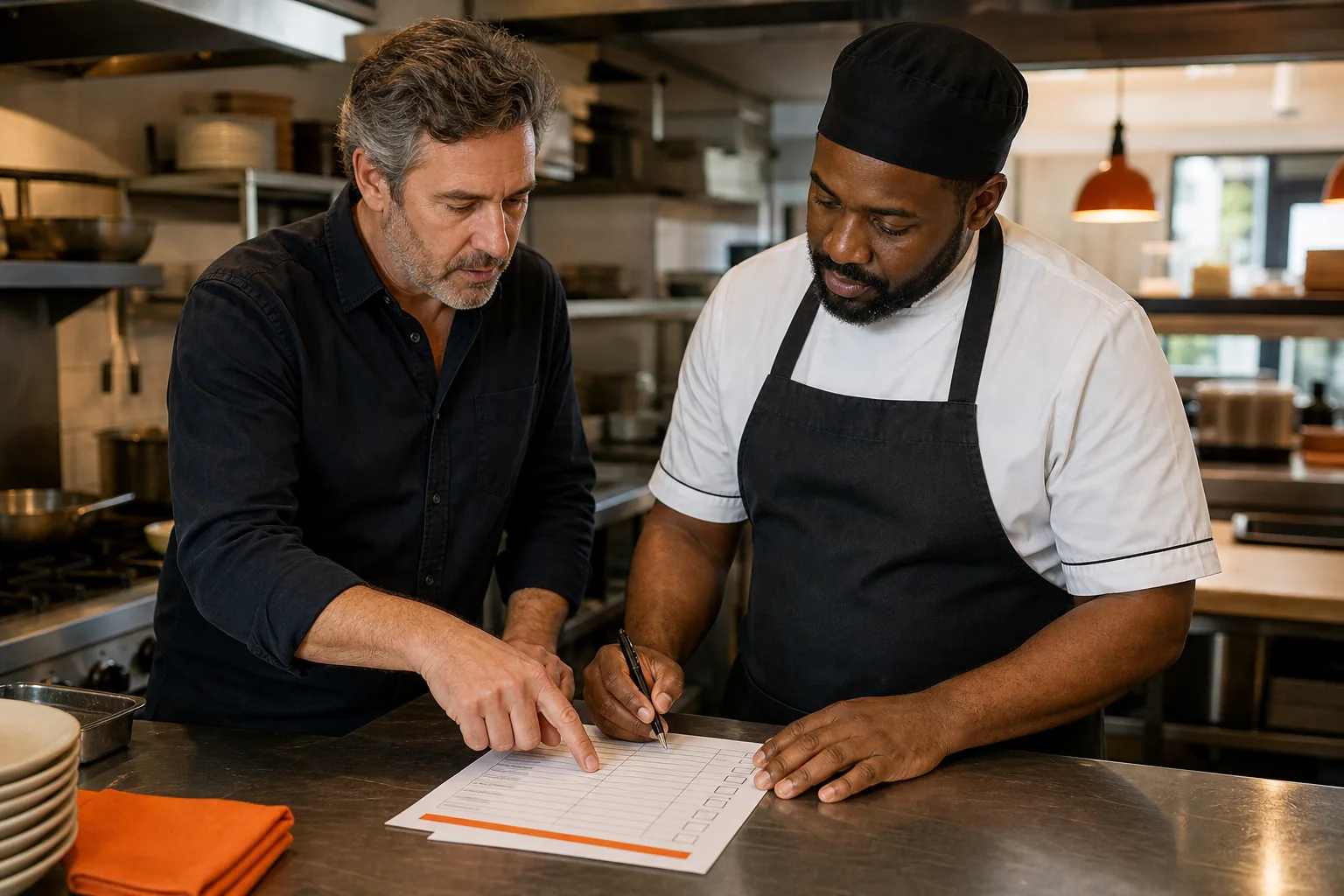
A template gives you a useful frame, but your team still needs to add the details that match its equipment, menu, and local rules. The Restaurant Site Visit SOP PDF and Kitchen SOP PDF are two examples: one supports an owner’s operations check, while the other helps kitchen staff review readiness, hygiene, and closing work.
Both are PDFs, so they offer a starting point for what to check and who is responsible. The missing piece to watch for is timing. A checklist can name the right task and owner but still leave managers to decide whether it happens at opening, each shift, or at close.
Use this fill-in template to turn a sample into a working procedure. Replace the brackets with your own details, then test it during a real shift.
- Procedure: [Task name]
- Purpose: [What the task protects or prepares]
- Owner: [Role, not a staff member’s name]
- When: [Opening, each shift, after a task, or closing]
- Tools or records: [Items staff need to complete the work]
- Steps: 1. [Action]. 2. [Action]. 3. [Action].
- Check: [What the lead verifies and where completion is recorded]
- Escalation: [Who to tell if a step fails or a result is outside the approved range]
- Version and review date: [Current version] / [Next review]
Sample, kitchen closing: The closing kitchen lead owns this procedure at the end of each service. Clean and sanitize the assigned station using the restaurant’s approved method. Store food as directed by the current food-safety procedure. Mark each completed task on the closing checklist. Tell the manager on duty about any task that could not be completed, and record the reason.
Sample, restaurant site visit: The owner or assigned manager completes the visit at the cadence set by the business. Review staff appearance, hygiene, food quality, and service timing. Record any missed standard, assign a role to follow up, and set a due date. The cadence is yours to define; write it into the SOP rather than relying on memory.
That last field matters. Set the frequency based on the risk and the way the work happens, then make it visible on the form. For food safety limits, use the rules that apply to your location rather than copying a number from a generic template.
SOP Creation and Storage Resources for a Docs-First Restaurant
A docs-first culture means staff check the shared procedure before relying on a verbal answer or an old printout. You can begin with a shared folder or team wiki. The key is a simple layout that helps a new hire find the right task by station or role.
Use a consistent file name, such as “Kitchen | Closing | Current.” Add an owner and review date to each procedure. Keep old versions out of the main folder so a cook does not mistake an outdated recipe or cleaning method for the current standard.
For each SOP, write down the task as staff perform it. Ask an experienced team member to walk through the steps, then have another person follow the draft without coaching. If they pause to ask what a step means, revise the wording or add a useful photo.
Carvin, training software for restaurants and hospitality teams, can turn recipes, videos, and procedures into mobile-ready training modules. Carvin also supports video editing, voice-based content updates, and completion tracking. See Carvin’s training tools for hospitality teams as one way to connect written standards with staff learning.
Choose storage based on how your team will use the SOP. A shared document works well for a small library that one person maintains. If you have several locations, staff need mobile access, or managers need to track training, a dedicated system may fit better. Compare the SOP management software options against those day-to-day needs.
Set a review trigger as well as a date. A new menu item, equipment change, or updated local rule should prompt a check of any related procedures. Assign the review to a role, then tell affected staff when a new version is ready.
Key Takeaway: Keep one current source for each SOP, with a named role responsible for updates and a clear review date.
Restaurant SOP Training, Compliance, and Performance Resources
A document alone does not teach a task. Introduce an SOP at the station where staff use it, show the steps, then ask the employee to demonstrate the task. A quick quiz can check key points, but the manager should also watch the work itself.
Train by role. A new server needs the service steps and payment rules for that position. A line cook needs recipes, prep tasks, and food-safety procedures for the station. For new hires, connect each procedure to a learning path so the team knows what has been taught and what remains.
Carvin can assign training across locations and track completion in real time. Its AI can convert procedures and videos into mobile training modules. Carvin reports a 40% reduction in onboarding time, 6 to 8 hours saved by managers per month, and 92% training completion. It can build a first training program within 48 hours, based on the business information provided.
Use a small set of measures tied to the SOP’s purpose. Track completion for assigned training. Review checklist records for missed tasks. For a service procedure, monitor repeat guest complaints tied to that process; for a closing SOP, review whether staff finish the assigned checks before leaving. A number only helps when someone knows what action to take after a result changes.
When a step is missed, ask what got in the way before treating it as a discipline issue. The instruction may be hard to find, the assigned time may not fit the shift, or staff may need a hands-on refresher. Update the procedure if the process changed, then train the people affected.
For a new hire rollout, pair the SOP plan with a restaurant staff onboarding checklist. Review completion with the shift lead, not just at the end of a training period. That makes gaps easier to catch while the work is still fresh.
Keep a simple record of each review: the procedure name, who checked it, the date, and any changes made. During a handoff or inspection, those records help managers show which version staff should follow and whether training has taken place.
FAQ
What should a restaurant SOP include?
A restaurant SOP should name the task, its purpose, the responsible role, and when staff must do it. Add clear action steps, any tools or records needed, a way to check completion, and instructions for reporting a problem. Include a version and review date so the team can tell whether it is current.
How often should restaurant SOPs be reviewed?
Review an SOP when a menu, process, piece of equipment, or applicable rule changes. You can also set a regular review date that fits the risk and pace of the task. Write the chosen cadence into the procedure, since many templates explain what to do without saying how often.
How do you get restaurant staff to follow SOPs?
Train staff at the station where they use the procedure, then have them show the task back to a lead. Make the current version easy to find during a shift. Review completion records and coach quickly when steps are missed; if the instructions are unclear or hard to use, revise them with staff input.
Can I use a free restaurant SOP template?
Yes, a free template can give you a useful starting structure. Check that it lets you name a role, set a frequency, describe the steps, and record completion. Adapt each section to your menu, equipment, and local rules before staff use it, and keep one current copy where the team can access it.
Conclusion
Start with one recurring task that causes confusion, then write its owner, steps, and frequency into a short SOP. Test it with the staff who do the work and update the draft from their feedback. If you want to connect procedures with training across locations, explore Carvin’s resources and choose one process to digitize first.